



Session profit/loss tracker overlay for OBS
A session profit/loss overlay keeps your viewers honest and informed: it shows how far up or down you are since the start of the stream. The Session P/L widget is part of Premium (prepaid with crypto, from $9.99 for 30 days); this guide shows how it works.
What the widget shows
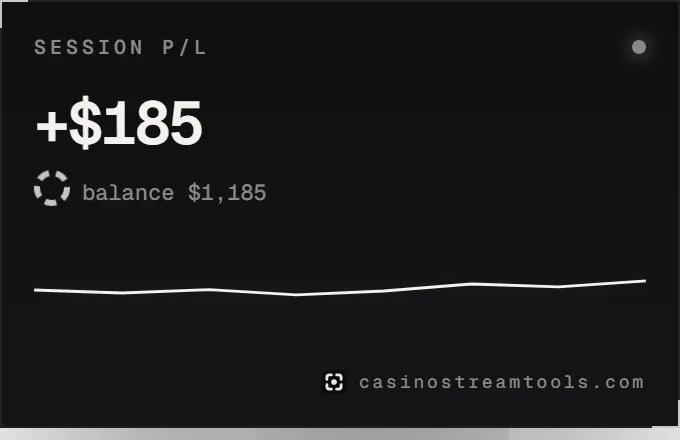
- The result since the start of the session, shown in red when you are down, counting smoothly to each new value.
- Your current balance.
- A balance line drawn from your last 60 updates, so viewers see the swings of the session.
How you update it
- In the Widgets tab, open the Session P/L card.
- Enter your start balance and press New session at the start of the stream. This resets the line.
- Whenever your balance changes in a way you want to show, enter the current balance and press Update balance. The overlay picks it up within a few seconds.
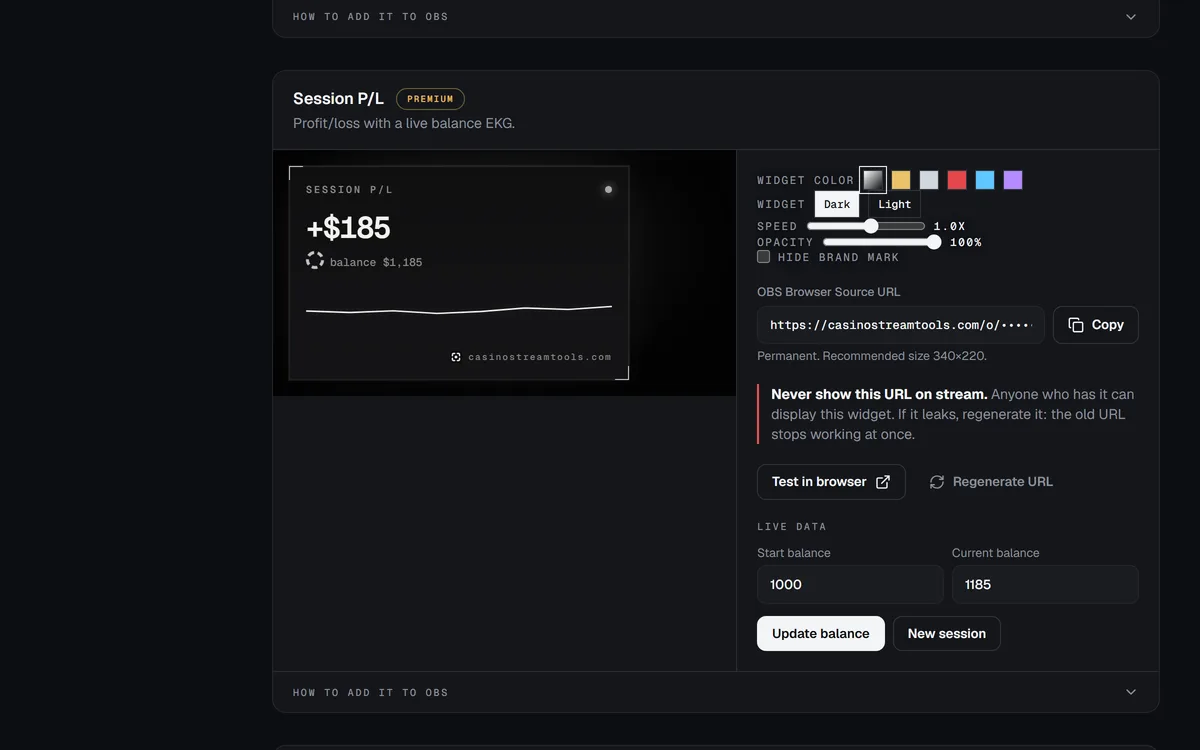
The values are stored on the server, so the widget shows the same numbers after an OBS restart or on another computer.
Add it to OBS
- In the dashboard, open the Widgets tab and press Copy next to “OBS Browser Source URL”.
- In OBS, click + under Sources, choose Browser and give the source a name.
- Paste the URL into the URL field and set Width and Height to the recommended size shown under the URL.
- Leave the background alone: the widget page is transparent, so only the widget appears over your scene.
- Click OK, then resize or move the source on your canvas like any other source.
The recommended size is 340 × 220. It fits in a corner above your facecam or next to the Bonus Hunt widget.
Availability
Session P/L is a Premium widget. Premium is prepaid for 30, 90 or 365 days and paid in crypto; if purchases are not open yet, join the waitlist from the pricing page and we email you once when they are. On a free account the widget’s OBS URL already works and shows a “Premium widget” card until then.
Show results honestly, including losses, and keep gambling content 18+. Do not present a winning session as typical.