



Free · no login
Free Stream Overlay Pack
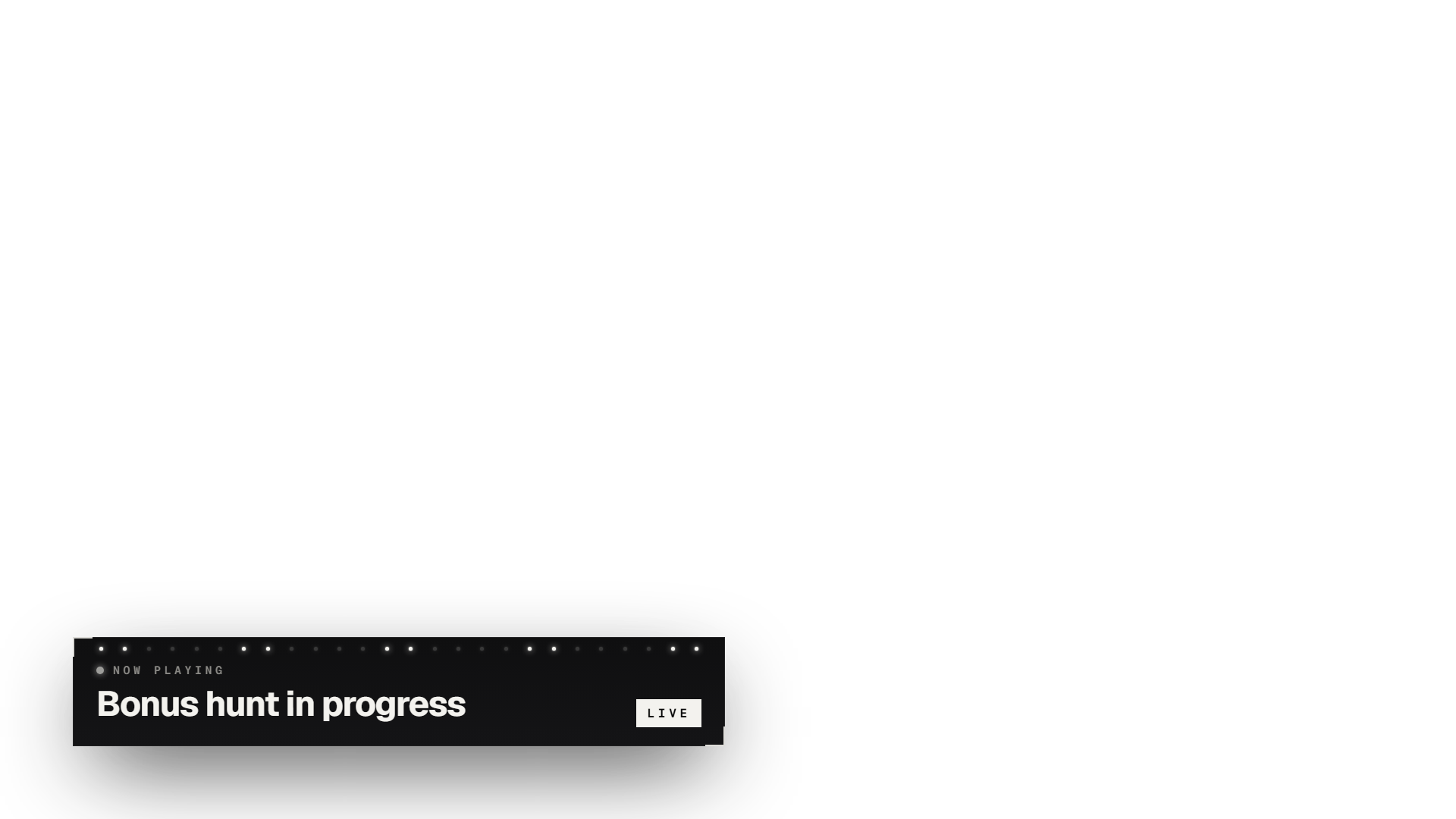
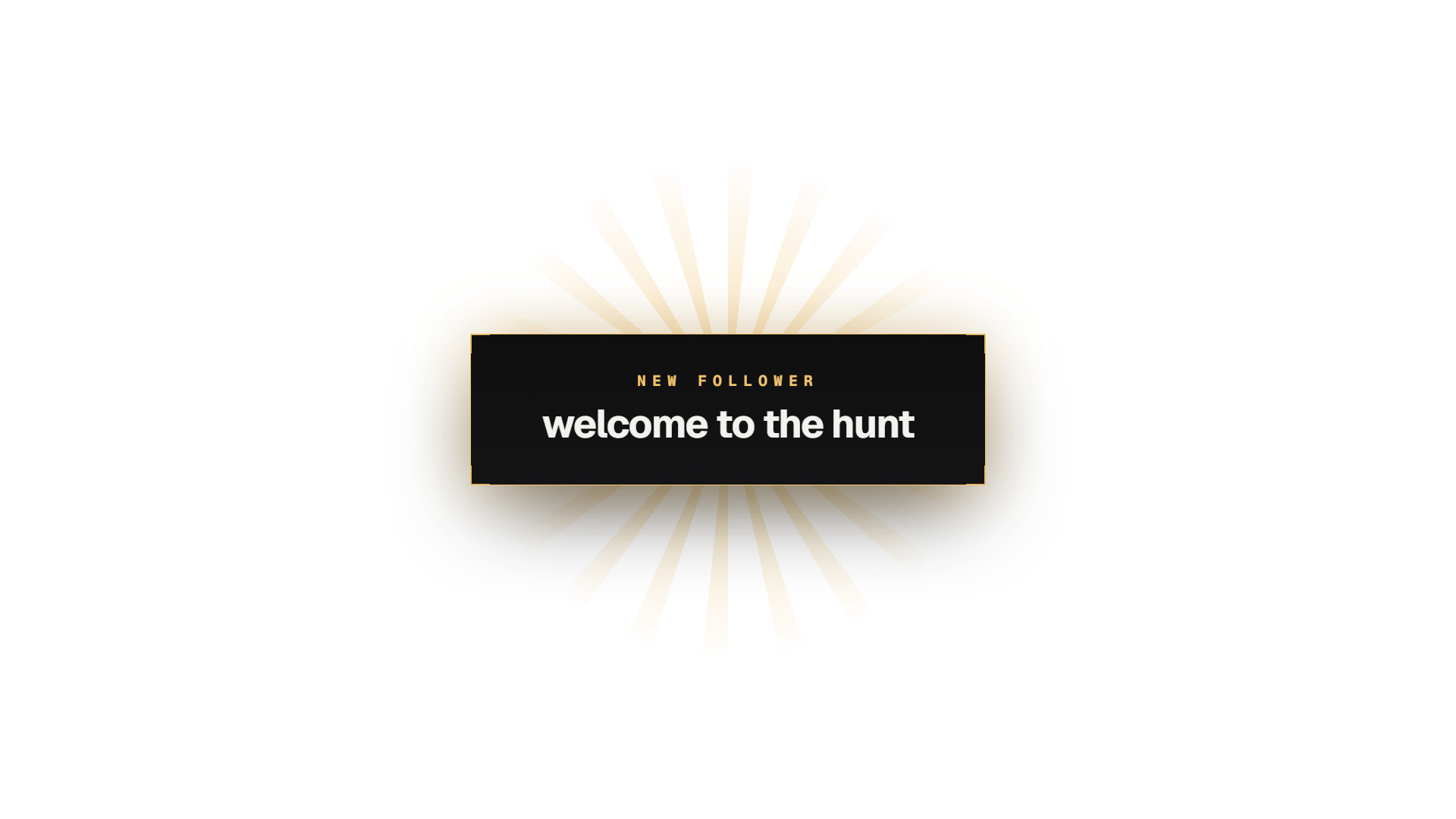
This free overlay pack has 8 transparent 1920×1080 pieces in the CasinoStreamTools look. Use each one as a live Browser Source URL, a PNG, or — for the animated ones — a looping WebM with transparency.
Download full pack (ZIP)Browser Source URL
Browser Source URL
Browser Source URL
 Facecam Frame PNG
Browser Source URL
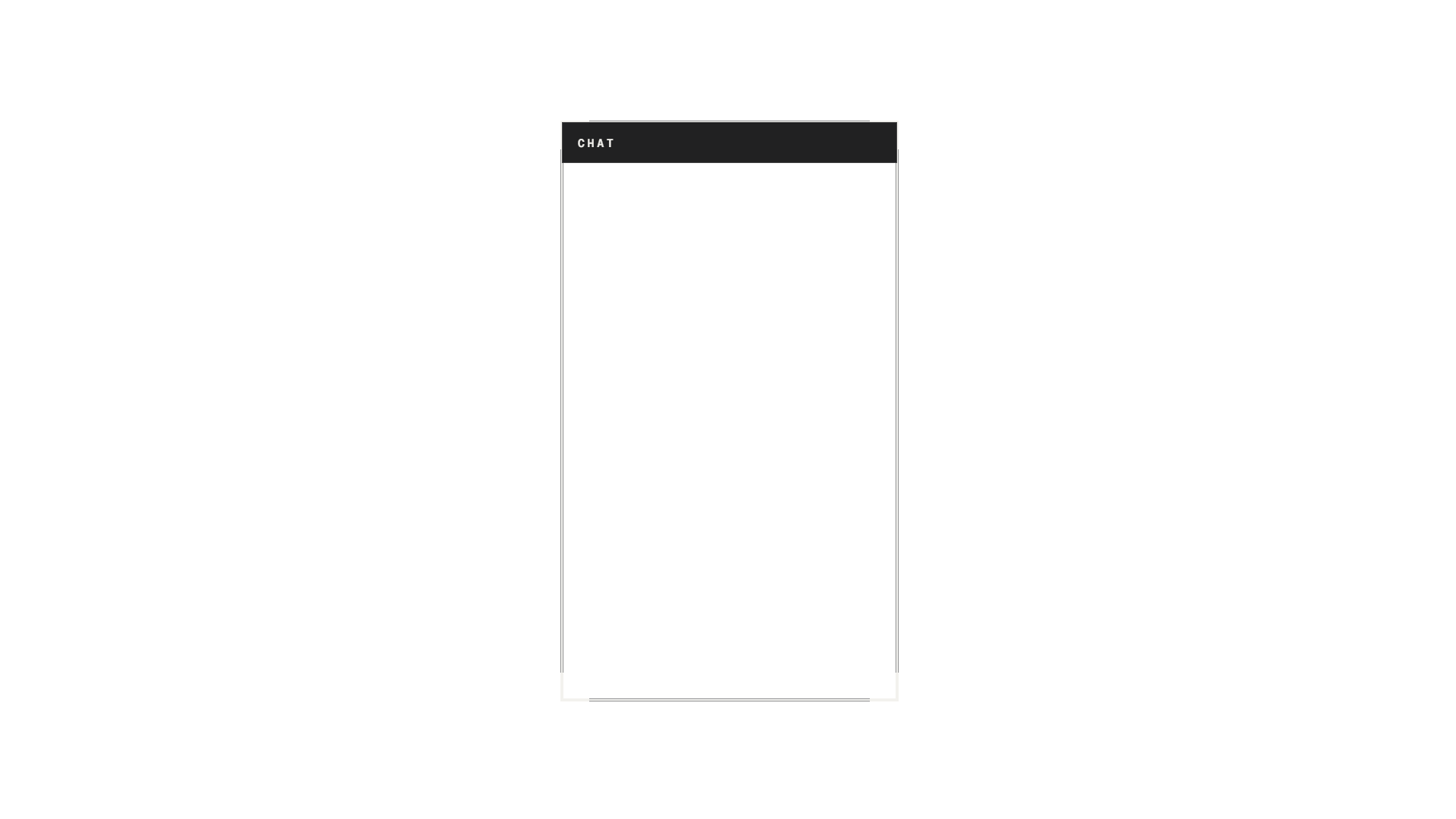 Chatbox Frame PNG
Browser Source URL
Browser Source URL
Browser Source URL
 Main Screen Border PNG
Browser Source URL
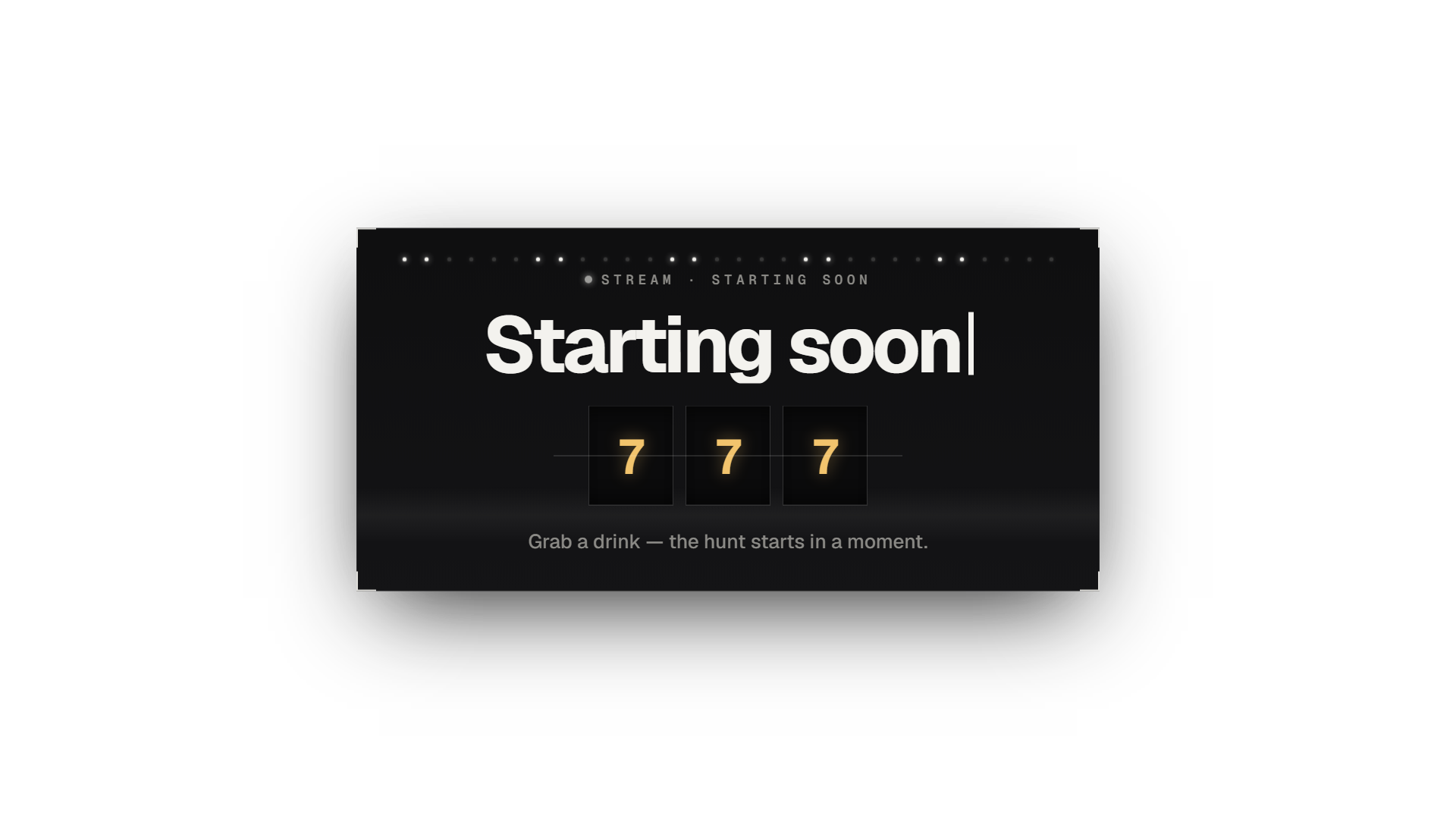
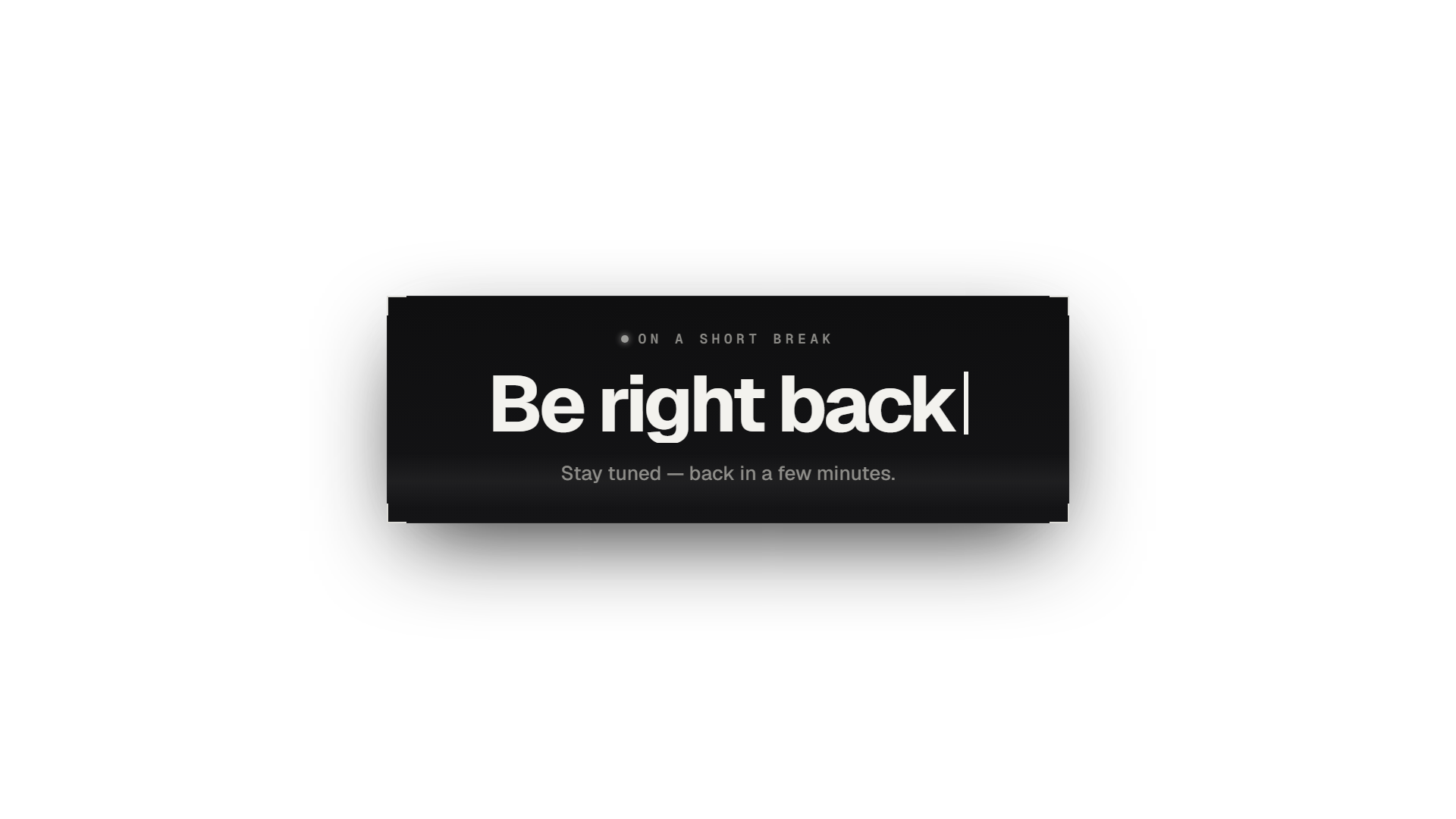
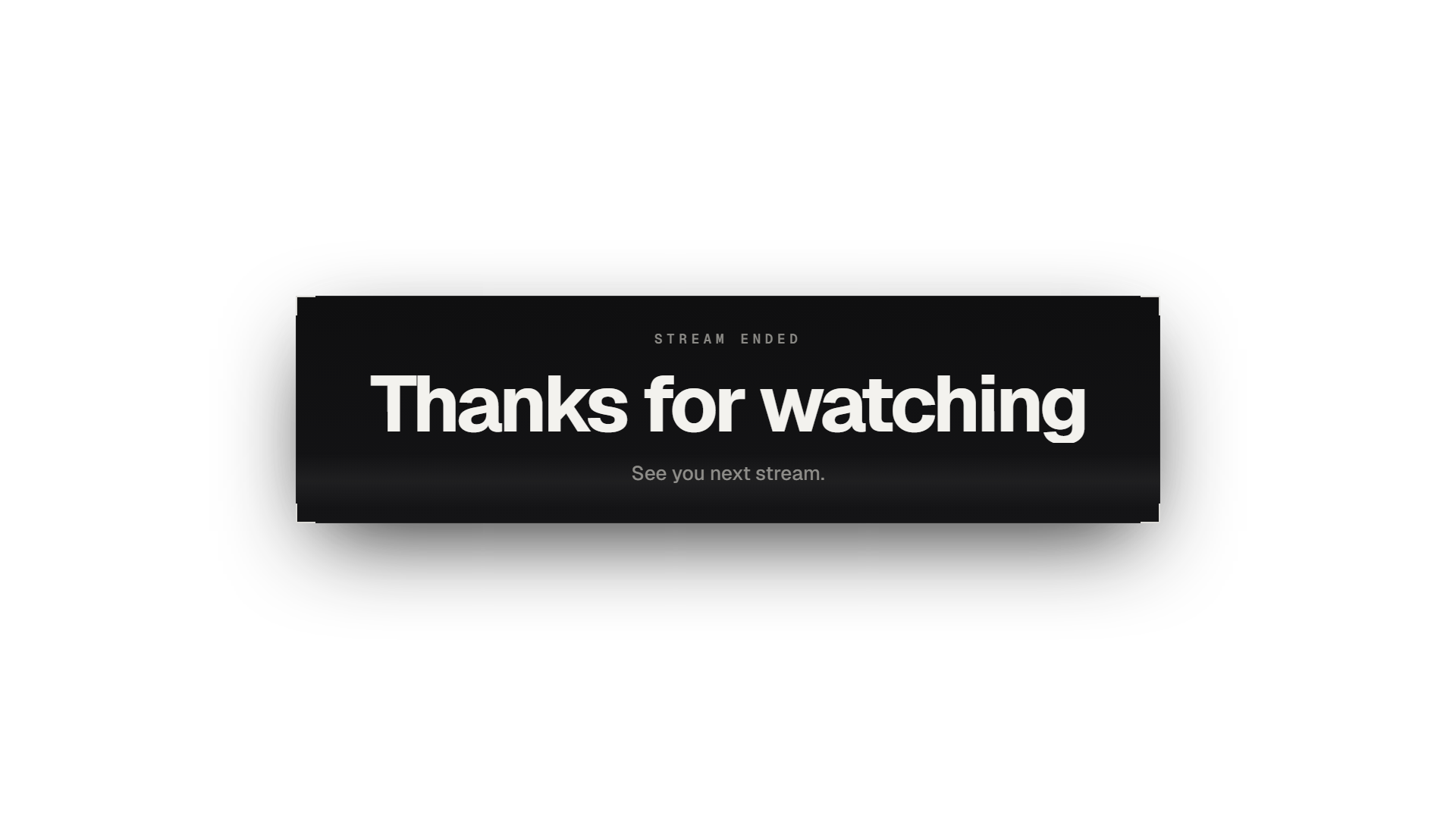
Full-screen scenes
Starting Soon · Be Right Back · Stream Ending
- Create a new OBS scene, e.g. "Starting Soon".
- Add a Browser source with the scene URL (1920×1080) — or a Media Source with the WebM and "Loop" ticked.
- Put your game or camera capture underneath: the transparent parts let it show through.
- Switch to that scene when you are offline or on a break.
Frames and elements
Facecam Frame · Chatbox Frame · Lower Third · Alert Box · Main Screen Border
- In your main scene add a Browser source (URL, 1920×1080), a Media Source (WebM) or an Image source (PNG).
- Drag it above your webcam, chat or game capture in the source list.
- Everything outside the frame is transparent — move and scale it with the OBS transform handles.
- Group it with the element it frames so they move together.
Free by CasinoStreamTools